

If you’ve ever wanted to break down a complex idea or explain something clearly without overwhelming your audience, whiteboard animation software can help. These tools turn your message into a simple, hand-drawn video that holds people’s attention. When you’re teaching a class, pitching a product, or training a team, a whiteboard animation can make your point easier to follow and more memorable.
This guide walks you through the best whiteboard animation tools to try in 2026. You’ll see how different tools compare and how to use them to create clear, engaging content that works for your goals.
Understanding Whiteboard Animation Software
Whiteboard animation turns your ideas into visual stories. Drawn out on a blank background, it shows your message in a way that’s easy to follow and remember. That’s what makes it so popular in classrooms, boardrooms, and marketing videos alike.
With whiteboard animation software, you don’t need drawing skills. The tools give you everything you need to build your video: pre-made characters, props, backgrounds, and music. You can drag, drop, and customize to fit your story. Most tools also let you add your voice and match the visuals to the audio.
This combination of movement, narration, and simple visuals keeps people engaged. It helps you explain tough topics and create videos that stick.
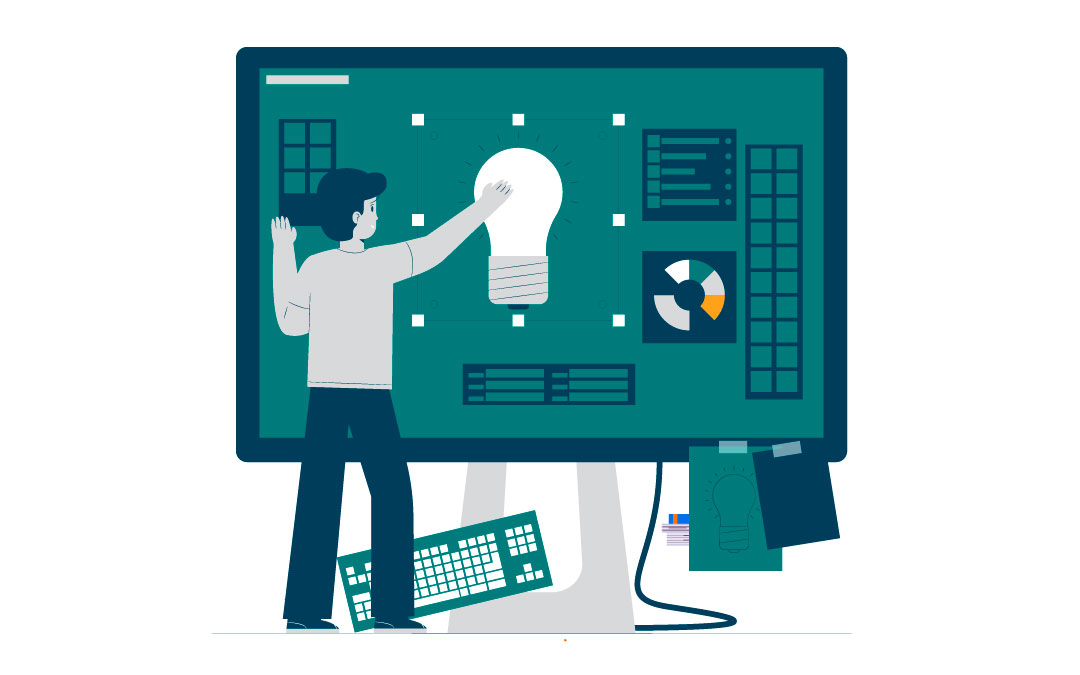
Key Features to Look for in Whiteboard Animation Tools
Not all whiteboard animation tools work the same way. Some focus on speed, others on customization. When picking the right tool, look for these features to help you create professional videos without frustration.
User-Friendly Interface
A clean, easy-to-use interface helps you stay focused on the story. Tools like RawShorts, Doodly, and Anireel make it simple to drag and drop elements and preview your work. You won’t need a design background to start making great content.
Customizable Templates
Templates save time and help you stay on-brand. If you’re making an educational lesson or a product demo, customizable templates let you change colors and layout to match your message. A strong template library gives you a head start on every video.
Asset Libraries
The more visual elements you have access to, the easier it is to tell a strong story. Top tools come with large libraries of icons, characters, music tracks, and effects. Adobe Animate, for example, includes a wide range of brushes and transitions. A good asset library adds variety to your videos and keeps them engaging.
Top Whiteboard Animation Software for 2026
Several whiteboard animation tools stand out this year. Each one brings something different to the table. Below are three top picks to consider based on your needs and experience level.
Adobe Animate
If you want full control over your animations, Adobe Animate offers a powerful set of features. The interface is user-friendly for both beginners and experienced users, and the tool supports detailed animations with effects and transitions. You’ll also find a robust asset library to help you build out scenes quickly. Adobe Animate works well for professional-quality videos in education and marketing.
VideoScribe
VideoScribe is a great choice if you want speed and simplicity. You can build animations using drag-and-drop tools, choose from over 5 million images and GIFs, or upload your own visuals. VideoScribe also lets you record voice-overs directly in the platform, making it easier to sync audio with visuals. It’s a solid option for anyone who wants to create clean, engaging videos without a steep learning curve.
Renderforest
Renderforest runs entirely in the cloud, so you don’t need a high-powered device. The platform includes over 1,000 ready-made scenes you can customize with different styles, colors, and music. This flexibility helps you create a polished video in just a few hours. Renderforest works well for quick projects or anyone who needs fast results.
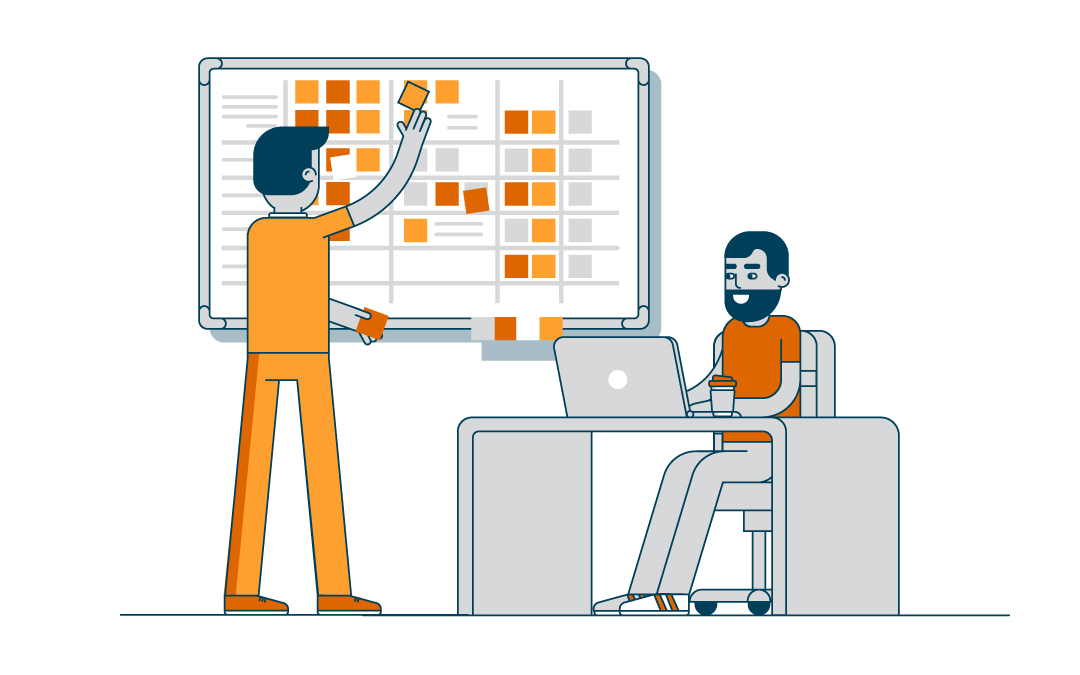
How to Create Your Own Whiteboard Animation
You can create your own whiteboard animation by following a few simple steps. Each part of the process helps you organize your ideas and produce a polished final video.
Write a Strong Script
Start with your message. A clear script sets the tone for the whole video. Use a structure like the Golden Circle—why, how, what—to organize your content. Focus on clarity and simplicity. A short, direct script helps viewers stay engaged and understand the point quickly.
Build a Storyboard
Once your script is ready, plan your visuals. Sketch out each scene and match it with a section of your script. This step keeps your ideas organized and helps you spot any gaps or awkward transitions. A good storyboard makes the final animation feel smooth and intentional.
Record Voice-Over and Add Music
Use a quality microphone and record your voice-over before you animate. That way, you can time your visuals to match the pace of your narration. Add background music to support the mood of the video, but keep it subtle so it doesn’t distract from your message.
Applications of Whiteboard Animation Videos
Whiteboard animations work well across different settings. You can use them to teach, market, or train—making complex topics easier to understand and more engaging to watch.
Educational Videos
Teachers and trainers often use whiteboard animations to explain tough concepts. The mix of simple visuals and clear narration helps students retain information. Research shows people remember animated lessons better than traditional video lectures. Tools like VideoScribe have helped classrooms around the world make learning more visual and effective.
Marketing and Promotional Videos
Marketers use whiteboard videos to explain products or services in a way that’s quick and easy to follow. These videos help boost interest and increase sales. A consistent style and clear visuals make your brand look polished and professional while keeping viewers engaged.
Training and Instructional Videos
Businesses rely on whiteboard animations to walk employees through processes or teach new skills. The step-by-step visuals help people understand instructions faster. You can update the videos easily when things change and make them a long-term tool for team development.
Tips for Creating Engaging Whiteboard Animations
If you want your whiteboard videos to hold attention, focus on clarity, consistency, and creativity. These tips will help you create videos that not only look good but also connect with your audience.
– Keep It Simple: Stick to one main idea per video. Avoid packing too much into one scene. Simple visuals and clear language help viewers understand and remember your message.
– Use a Consistent Style: Pick a visual style and stick with it throughout your video. This could include color choices, drawing speed, or the look of your characters and icons. A consistent style builds trust and makes your video feel professional.
– Include Visual Metaphors: Use symbols or familiar images to represent abstract ideas. For example, show a lightbulb to represent innovation or a ladder to suggest growth. Visual metaphors help viewers connect with your message on a deeper level.

Bringing Your Ideas to Life with Whiteboard Animation
Whiteboard animation gives you a simple, creative way to turn ideas into visual stories. You don’t need a design background or advanced editing skills—just a clear message and the right tool.
Throughout this guide, you’ve seen how whiteboard animations can help you explain complex topics or promote products in a way that sticks. With tools like Adobe Animate, VideoScribe, and Renderforest, you can create videos that look sharp and stay on brand.
Use what you’ve learned here to pick the software that fits your workflow. Then focus on writing strong scripts and planning visuals. When you combine consistency with creativity, your animations can both explain and connect.
Frequently Asked Questions
What is whiteboard animation software?
Whiteboard animation software helps you create videos that use hand-drawn visuals to explain ideas. It’s a simple way to tell a story, walk through a concept, or teach something in a way people remember.
What are the key features to look for in whiteboard animation tools?
Look for software with an easy-to-use interface, templates you can customize, and a large asset library. These features save time and give you everything you need to create videos that look polished and stay on message.
What are the top whiteboard animation software options for 2026?
Some of the best tools to try in 2026 include Adobe Animate for detailed animations, VideoScribe for fast, beginner-friendly videos, and Renderforest for cloud-based flexibility and ready-made scenes.
How can I create my own whiteboard animation?
Start by writing a short, focused script. Sketch out a storyboard to match your visuals with your message. Then add voice-over and music, and use your software’s tools to bring it all together.
What are the applications of whiteboard animation videos?
You can use whiteboard animations for education, training, and marketing. They help explain things clearly and hold people’s attention—whether you’re teaching a concept, introducing a product, or onboarding new team members.
Spotlightr Video Hosting For Your Course
Discover why Spotlightr is the #1 choice for course creators and e-learning professionals.
Register for a free 2 week trial, no credit card required.