

We’re rolling out a new feature that solves two very different problems with the same simple idea: one-time password (OTP) verification. If you’re not familiar with the term, an OTP is a short, temporary code sent to someone’s email that they have to enter back into a form to prove they actually have access to that inbox. It’s quick, it expires fast, and it can’t be reused. Most people already know it from logging into their bank or confirming an order online.
We’ve built OTP verification into two parts of Spotlightr: your email opt-in forms, and your courses module. Here’s what that means for you.
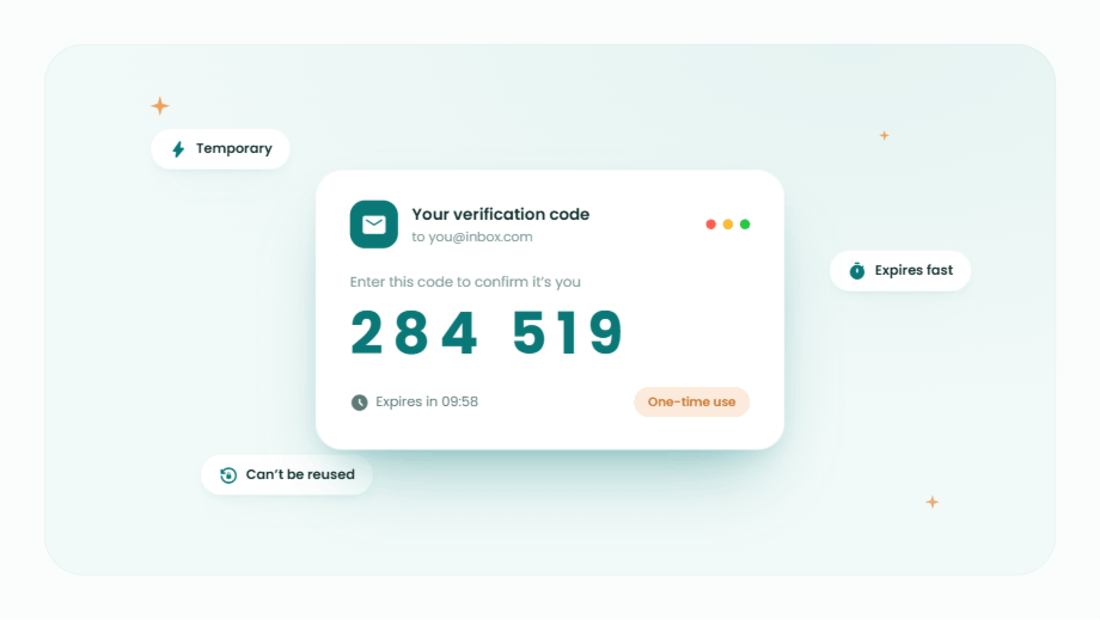
Stop collecting fake emails on your opt-in forms
If you’ve ever gated a video, a download, or a piece of exclusive content behind an email opt-in, you already know the problem: people will type almost anything to get past the gate. Fake addresses, typos, throwaway inboxes they never check again — it all ends up in your list, quietly dragging down your open rates and bounce rates without you noticing until your sender reputation takes a hit.
With OTP enabled on an opt-in form, a visitor has to enter the code sent to their email before they get access. That one extra step does a lot of work. It filters out bots and junk submissions automatically. It means the lead magnet, unlock link, or discount code you’re sending actually reaches someone who’ll see it. And because every email on your list has been verified as real and reachable, your deliverability and sender reputation improve over time instead of slowly eroding.
It’s especially worth turning on for opt-ins tied to something valuable — free trials, demos, gated courses or videos, exclusive community access. For something as low-stakes as a general newsletter signup, the extra step might not be worth the friction, but for anything with real value behind it, OTP makes sure that value is reaching a genuine person.
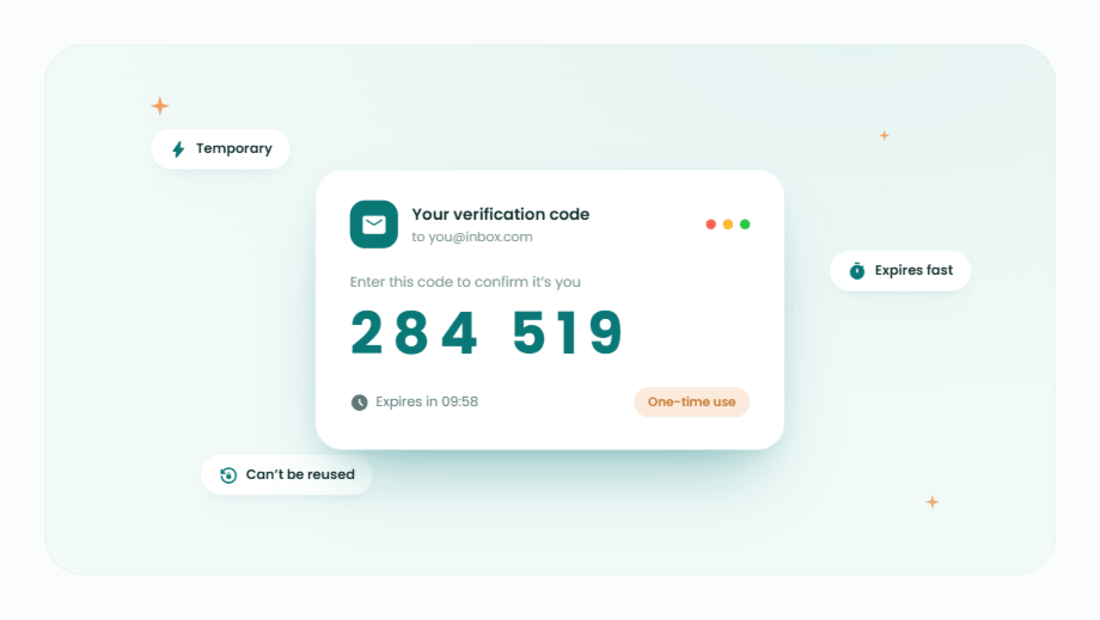
Lock down course access and stop login sharing
The second place you’ll find OTP is in the courses module, where it works as a two-factor authentication (2FA) step. When it’s turned on, students log in the way they always have — with their email and password — but then have to retrieve and enter a one-time code sent to that email before they’re let in.
This solves a problem nearly every course creator runs into eventually: login sharing. Passwords are easy to hand off. One student buys a course and shares the login with a friend, or a small group splits the cost of one account. With OTP turned on, that becomes a lot harder, because access depends on the original buyer’s actual inbox every single time, not just a password someone memorized or wrote down. That’s a direct line back to protecting the revenue your courses are meant to generate.
It also adds a layer of protection against compromised passwords. Password reuse and data breaches are common, and a leaked or guessed password alone is no longer enough to get into a course — an attacker would also need access to the student’s email. For courses tied to certificates or completion tracking, that added confidence in who’s actually logging in matters too.
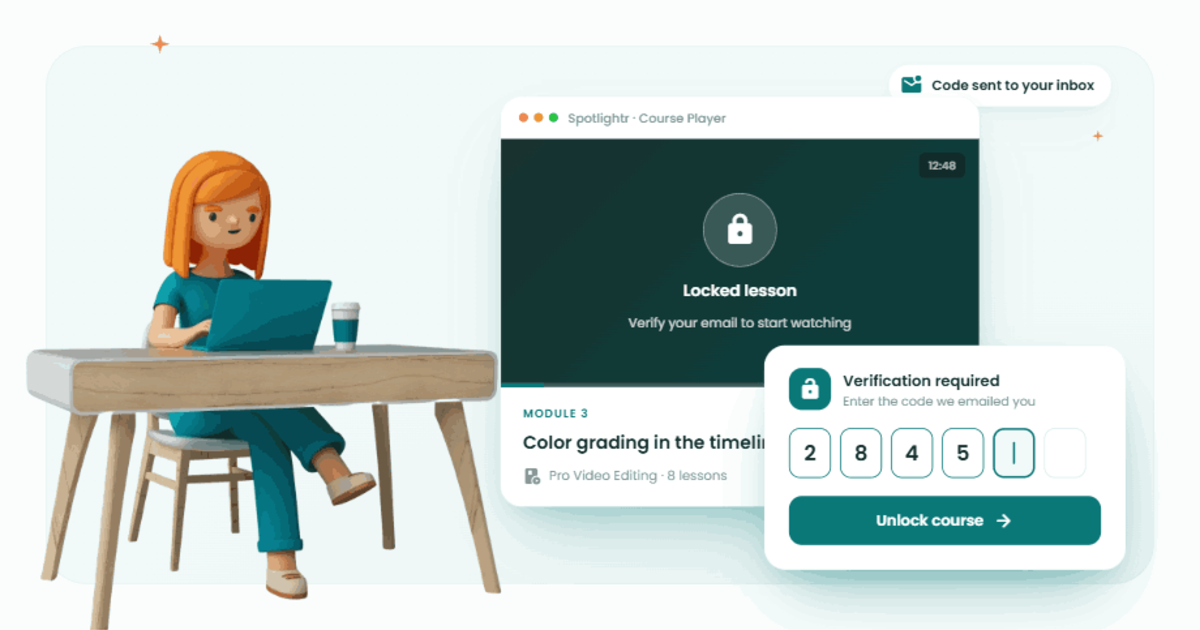
Turning it on
Both versions of OTP verification are available now and can be enabled directly from your form and course settings in Spotlightr. If you’re running opt-ins gated to something valuable, or you’ve noticed login sharing chipping away at your course revenue, this is a quick one to turn on.
Get Verified Leads From Your Videos Using OTP
Discover why Spotlightr is the #1 choice for course creators and e-learning professionals.
Register for a free 2 week trial, no credit card required.

Bill is the founder of Spotlightr, a video platform used by course creators, membership sites and marketers who need their video hosted properly rather than uploaded somewhere and hoped for. He writes about instructional video from the inside — what creators actually publish, where students actually stop watching, and what the platforms in this category actually charge. He’s currently building Spotlightr Courses, a course product built around the video rather than bolted on top of it.