

Making an explainer video no longer requires a production crew or hours of editing. With AI-powered tools, anyone can create polished, professional videos that help explain a product, concept, or service. These tools take care of the heavy lifting—from writing scripts to generating voiceovers and animations—so you can focus on your message.
In this guide, you’ll learn how AI video makers work and how to choose a tool that fits your workflow. If you’re a solo creator or part of a marketing team, these platforms help simplify the process and speed up production.
AI-Powered Video Creation Tools
AI tools have changed the way people make explainer videos. You no longer need advanced editing skills to create something professional. These platforms can handle everything from writing your script to adding voiceovers and animations.
For example, tools like Canva’s explainer video maker offer a straightforward way to produce videos even if you’ve never edited one before. You start with a template, add your script, and the AI helps bring it to life with visuals, sound, and timing.
AI-powered platforms are designed to speed up production and keep quality consistent. That means your team can make more content in less time, without hiring extra help or learning complex software.

AI-Powered Video Creation Tools
AI tools have changed the way people make explainer videos. You no longer need advanced editing skills to create something professional. These platforms can handle everything from writing your script to adding voiceovers and animations.
For example, tools like Canva’s explainer video maker offer a straightforward way to produce videos even if you’ve never edited one before. You start with a template, add your script, and the AI helps bring it to life with visuals, sound, and timing.
AI-powered platforms are designed to speed up production and keep quality consistent. That means your team can make more content in less time, without hiring extra help or learning complex software.
Automated Script Generation
Writing a script is often the hardest part of making a video. That’s where AI can help. Many explainer video tools now include built-in script generators. You type in a few key points or add a more complete video outline and the tool drafts a full script for you to edit or use as-is.
This saves time and gives you a solid starting point if you’re feeling stuck or need to move quickly. You can always tweak the language to match your tone, but the heavy lifting is already done.
AI Voiceover Capabilities
Once your script is ready, the next step is narration. AI voiceover tools can turn your text into lifelike speech in just a few clicks. These voices sound natural, and many tools let you choose from different languages, tones, and accents.
This is helpful if you don’t want to record your own voice or if you need videos in multiple languages.
You can:
– Generate narration instantly
– Match the tone to your brand or audience
– Save time on recording and editing
When you’re creating content for internal training or public marketing, AI voiceovers help you keep things professional without hiring a voice actor.
AI-Driven Animation and Visuals
Visuals can make or break an explainer video. AI tools take the guesswork out of designing animations by offering built-in visuals that match your script automatically. You don’t need advanced design skills to create something that looks polished.
With AI-driven visuals, you can:
– Add animations that clarify and enhance your message
– Use stock graphics, icons, or video clips to support your narration
– Simplify complex topics with motion and visual cues
This makes your videos more engaging and easier for your audience to follow and remember.
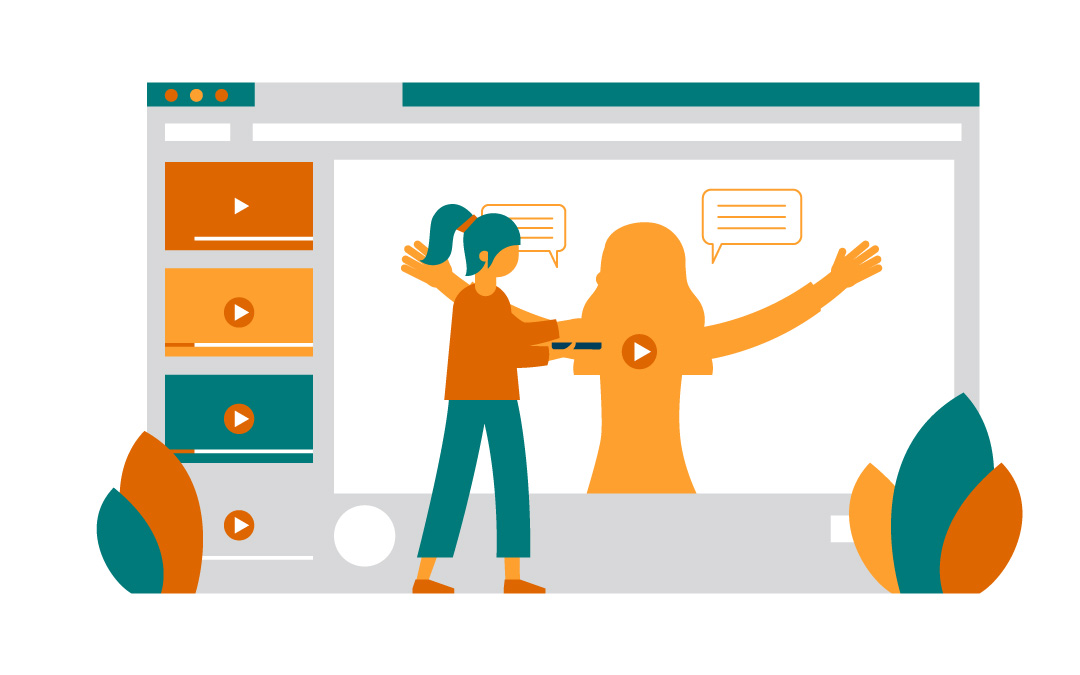
Comprehensive Explainer Video Maker
AI tools like Steve AI bring everything under one roof—from writing the script to designing the visuals and generating voiceovers. These all-in-one platforms are built for speed and simplicity. You choose a template, type your script, pick a presenter and voice, and the tool puts it all together in a finished video.
Everything happens in one place, which makes it easier to stay organized and move quickly. This is ideal when you need to produce professional videos regularly without a full production team.
Now let’s take a closer look at the specific features that make these tools so easy to use.
Pre-designed Video Templates
Templates are the starting point for many explainer videos. With hundreds to choose from, you can pick a layout that already fits your message. These templates save time and give your videos a polished look right out of the gate.
You can easily update the visuals, text, and layout to match your brand or message. Some platforms even sort templates by goal (like product demos or how-tos), so you’re never starting from scratch.
Here’s why templates help:
– Save time on setup and structure
– Provide visual consistency across videos
– Offer flexible layouts for different use cases
– Help beginners create pro-level content with minimal effort
Templates give you a head start, so you can focus on customizing your message.
Customizable AI Presenters
Customizable AI presenters give your videos a human touch without needing to hire talent. These digital avatars can be selected or tailored to match your brand’s tone and audience. You can choose from different looks, languages, speaking styles, and facial expressions to create a more engaging and relatable experience.
When you’re explaining software to customers or onboarding new employees, AI presenters help your message land with more impact. They’re useful when you want your videos to feel professional and consistent, even when produced at scale.
User-Friendly Editing Interface
An intuitive editing interface makes the entire video creation process more approachable. These platforms use drag-and-drop tools so you can easily rearrange scenes, add visuals, adjust timing, or include background music.
You can tweak your script, swap out presenters, and fine-tune transitions without digging through complicated menus. Most tools also offer real-time previews, so you know exactly how your video will look before hitting publish. For teams, this simplicity speeds up collaboration and review cycles, helping you produce polished content faster.
Steps to Create High-Quality Explainer Videos
Once you pick an AI video maker, producing a polished explainer follows a straightforward flow. Each step builds on the last, so you move from a blank page to a finished video with minimal friction.
– Select a template
Start with a layout that matches your goal—product demo, onboarding guide, or quick feature highlight. A good template sets pacing, color scheme, and scene order for you.
– Customize your script
Paste an AI-generated draft or your own text, then edit for clarity and tone. Short sentences and plain language help viewers grasp the message faster.
– Choose visuals and audio
Drop in stock clips, icons, and background music from the built-in library. Pick an AI presenter and voice that fit your brand, then adjust style or language as needed.
– Generate and refine
Let the platform assemble your video. Watch the preview, tweak timing, swap scenes, or trim narration until everything flows smoothly.
– Download and share
Export in your preferred resolution, then publish to your website, social channels, or learning platform. End with a clear call to action so viewers know the next step.
Following this sequence keeps production quick and organized, while still giving you room to personalize every detail.
Benefits of Using AI in Explainer Videos
AI video tools simplify production without sacrificing quality, which makes them a practical choice for teams that need content fast and at scale.
Here’s what you gain when AI is part of your workflow:
– Faster turnaround
Projects that used to take weeks now take minutes. AI automates steps like scripting, voiceover, and animation, so you can meet tight deadlines without cutting corners.
– Lower production costs
Instead of hiring a voice actor, designer, and video editor, you get all-in-one functionality in a single tool. That saves money while keeping your content consistent.
– Consistent output
AI tools maintain the same tone, format, and quality across every video. This keeps your brand polished and your messaging aligned, whether you’re producing one video or one hundred.
– Scalability
As demand grows, AI makes it easy to batch-create videos without burning out your team. You can update or revise existing content quickly to keep it fresh.
Using AI helps your team spend less time wrestling with software and more time creating content that connects.
Enhancing Marketing Strategies with Explainer Videos
Explainer videos are a way to connect, inform, and move people to act. When powered by AI, they become even more effective. Here’s how they can strengthen your marketing:
Clarify Complex Ideas
Explainer videos make it easier to communicate detailed or technical information. Instead of relying on long paragraphs or static images, you can walk viewers through a process visually, using narration, animations, and step-by-step visuals. This format helps break down difficult topics into digestible segments,which improves audience comprehension.
Capture and Hold Attention
People are more likely to engage with content that feels dynamic and personalized. AI-powered videos allow you to combine animated visuals, human-like voiceovers, and even branded characters to create a richer viewing experience. This blend of visual and auditory elements helps hold interest longer than plain text or static media.
Encourage Action
Explainer videos are most effective when they lead to something—whether that’s visiting your website, downloading an app, or reaching out for a demo. A well-crafted narrative paired with a clear call to action guides viewers toward the next step and helps you achieve real business outcomes.
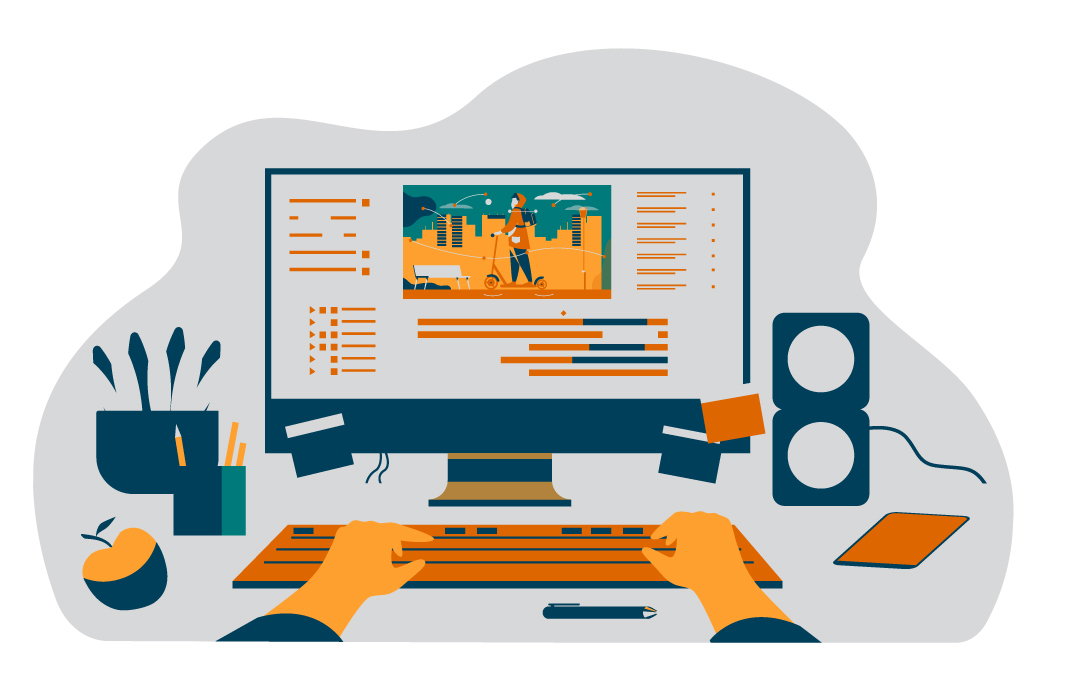
Common Challenges and Solutions
Creating explainer videos often brings a few predictable hurdles, like keeping production quality high and making sure your content stays relevant over time. AI tools can help address each of these challenges so you can focus more on delivering value and less on production stress.
Getting Started with the Script
Staring at a blank screen is never fun. AI-generated scripts offer a fast way to begin. These tools analyze your topic and generate a first draft that aligns with your video’s message and goals. From there, you can add specific details and make the content your own without spending hours on a first draft.
Producing Professional-Quality Videos
Consistency matters, and AI tools help maintain a professional standard across the board. Many platforms guide you through the process step by step, handling script narration, visuals, and even transitions. You won’t need to hire voice actors or editors to produce something that looks polished and sounds clear.
Keeping Content Updated
Content can go stale quickly, but recreating an entire video from scratch every time isn’t sustainable. AI tools let you tweak existing videos by updating text, visuals, or narration in just a few clicks. When you’re refreshing your messaging or aligning with a new campaign, these tools make it simple to keep your content accurate and relevant.
Building Better Videos with AI
Explainer videos are one of the most effective ways to communicate information clearly and now creating them is easier than ever. AI-powered platforms make it possible to handle every step of the process, from scripting to editing, all in one place. This kind of efficiency helps teams work smarter and keep quality high, even as demands grow.
If you’re ready to simplify complex ideas, reach a wider audience, or scale your content strategy, the right AI video tool can help you get there. Use what you’ve learned here to choose a platform that fits your goals, then start creating videos that not only explain but truly connect.
Frequently Asked Questions
How does AI simplify the process of creating explainer videos?
AI streamlines video production by handling tasks like script writing, voice narration, and animation automatically. This reduces the need for technical expertise and speeds up the entire process, helping you produce polished videos in less time.
Can AI tools help with writer’s block during video creation?
Yes. AI writing tools can generate script drafts based on your topic or goals. This gives you a solid starting point and can help overcome creative stalls so you can move forward with production more easily.
Are AI-generated voiceovers realistic and professional?
AI voiceovers are now highly advanced, offering lifelike speech in multiple languages and tones. These tools can provide consistent, studio-quality narration that matches the tone of your content without needing a human voice actor.
How do AI tools ensure consistent quality in explainer videos?
AI platforms follow set design frameworks and use pre-validated templates and animations. This helps maintain a professional standard across all your videos, even if you’re producing a high volume of content or working with limited design skills.
What are the cost benefits of using AI in video production?
AI tools reduce the need for hiring multiple professionals—like scriptwriters, voice actors, or editors—saving time and money. They also accelerate production, which lowers your overall costs and helps you publish content more frequently.
Spotlightr Video Hosting For Your Course
Discover why Spotlightr is the #1 choice for course creators and e-learning professionals.
Register for a free 2 week trial, no credit card required.